> For the complete documentation index, see [llms.txt](/llms.txt)
# SDK setup
Installing GS2-SDK on Unity or Unreal Engine
This section details the installation process for the SDK for Game Engine, GS2 SDK for Unity or GS2 SDK for Unreal Engine 5.
## GS2 SDK for Unity Install Instructions
[GS2 SDK for Unity Installer Version 2024.4.1](../../gs2-unity-installer_2024.4.1.unitypackage)
**Download the installer in UnityPackege format from the link above.**
**Create a new Unity project or prepare an existing Unity project and open it in the Unity Editor.**
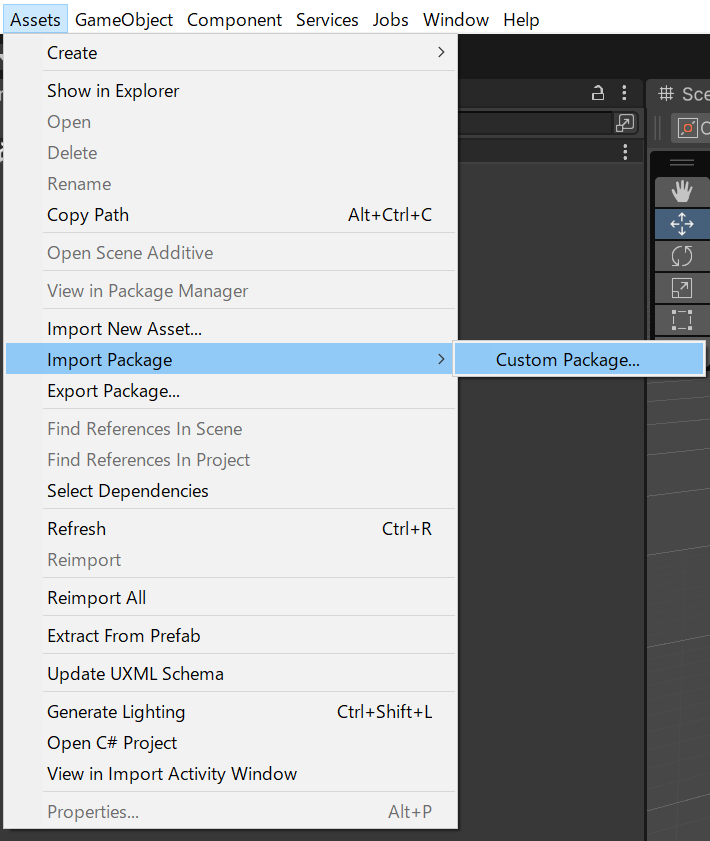
**Gs2-unity-installer is available from the menu "Assets > Import Package > Custum Packages...". Import the gs2-unity-installer_2024.4.1.unitypackage file.**
 **Select "Window > Game Server Services > SDK Installer" from the Unity Editor menu.**
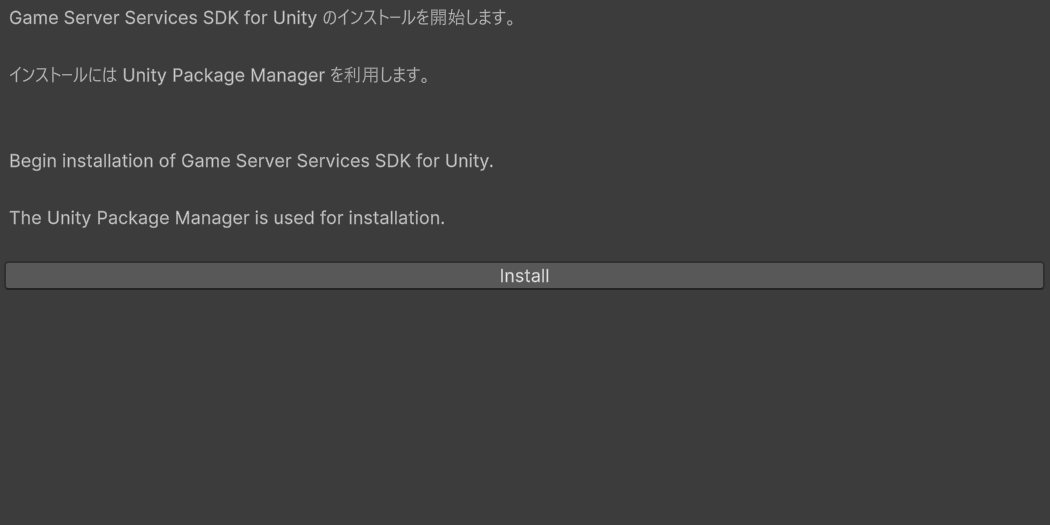
 **The SDK Installer window will appear. Select 'Install.**
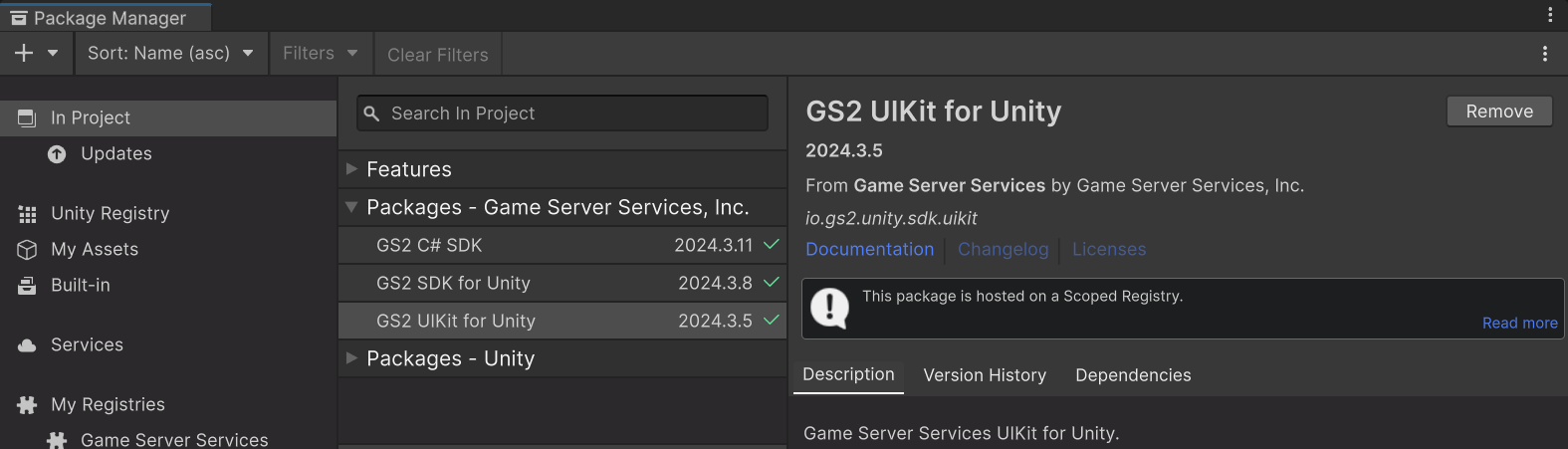
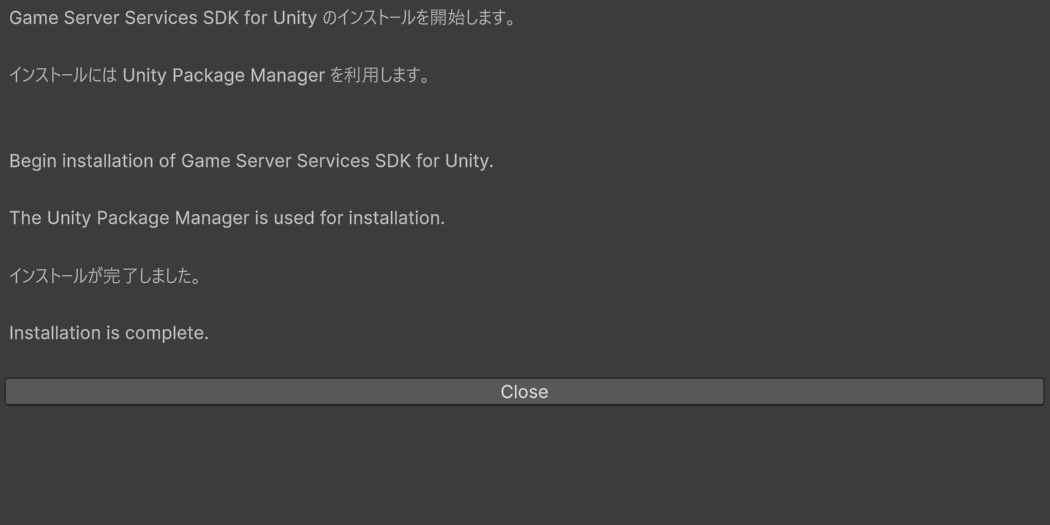 When the installation is complete, the SDK is installed in the project's "Packeges" and can be seen installed in the Package Manager.
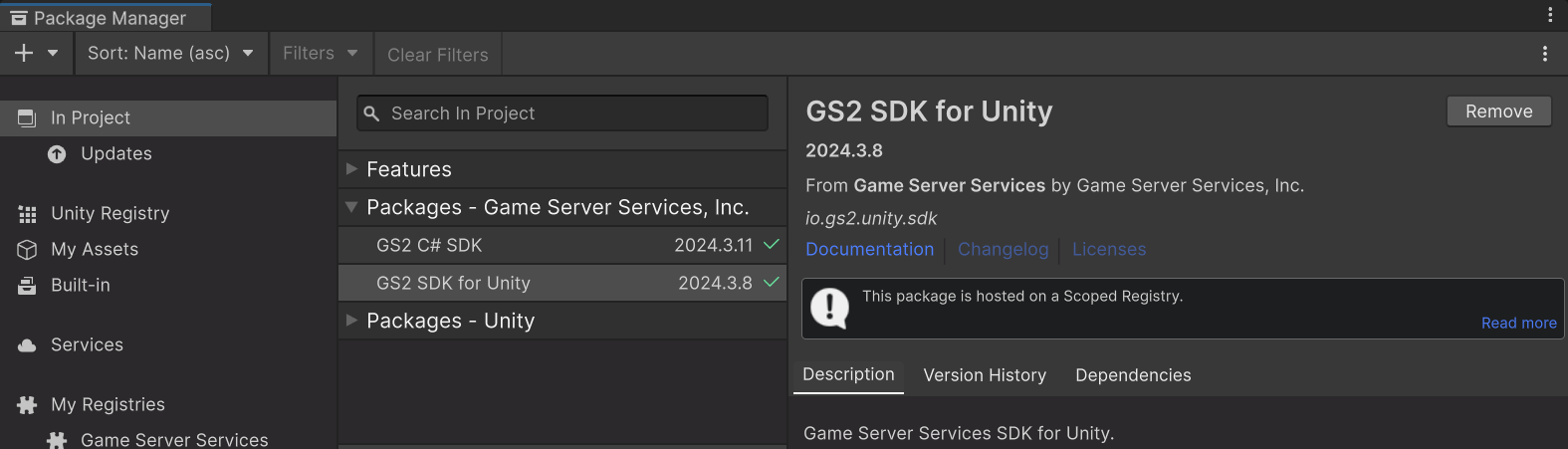 GS2 SDK for Unity consists of GS2-CSharp-SDK and GS2 SDK for Unity,
If it does not work correctly after installation is complete, try restarting the Unity Editor once.
### GS2 UIKit for Unity installation instructions
GS2 SDK for Unity consists of GS2-CSharp-SDK and GS2 SDK for Unity,
If it does not work correctly after installation is complete, try restarting the Unity Editor once.
### GS2 UIKit for Unity installation instructions
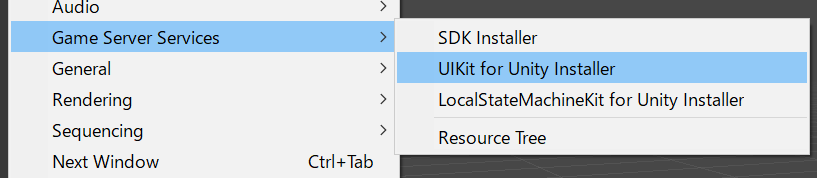 **Select "Window > Game Server Services > UIKit for Unity Installer" from the Unity Editor menu.**

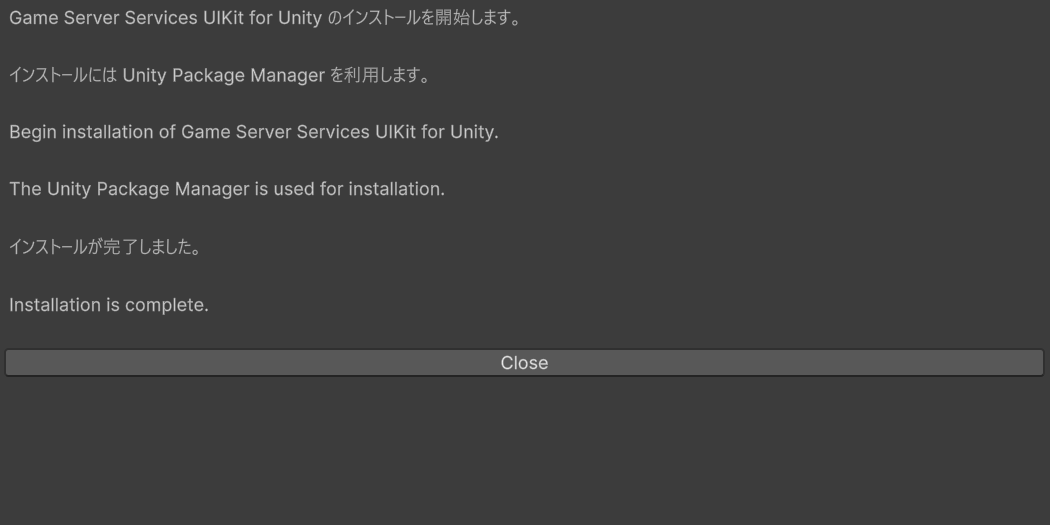 When the installation is complete, the SDK is installed in the project's "Packeges" and can be seen installed in the Package Manager.
 If it does not work properly after installation is complete, try restarting the Unity Editor once.
## GS2 SDK for Unreal Engine 5 Installation Instructions
### Install as a project plugin
**Create a new Unreal project or prepare an existing Unreal project.**
If it does not work properly after installation is complete, try restarting the Unity Editor once.
## GS2 SDK for Unreal Engine 5 Installation Instructions
### Install as a project plugin
**Create a new Unreal project or prepare an existing Unreal project.**
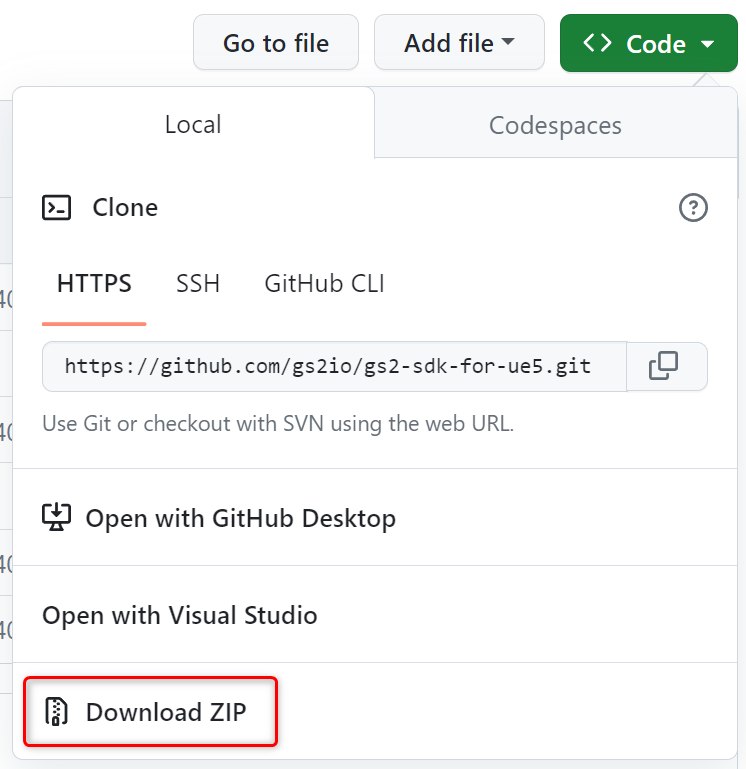
 **Clone the source code from [the GS2 SDK for Unreal Engine 5 repository on GitHub](https://github.com/gs2io/gs2-sdk-for-ue5).**
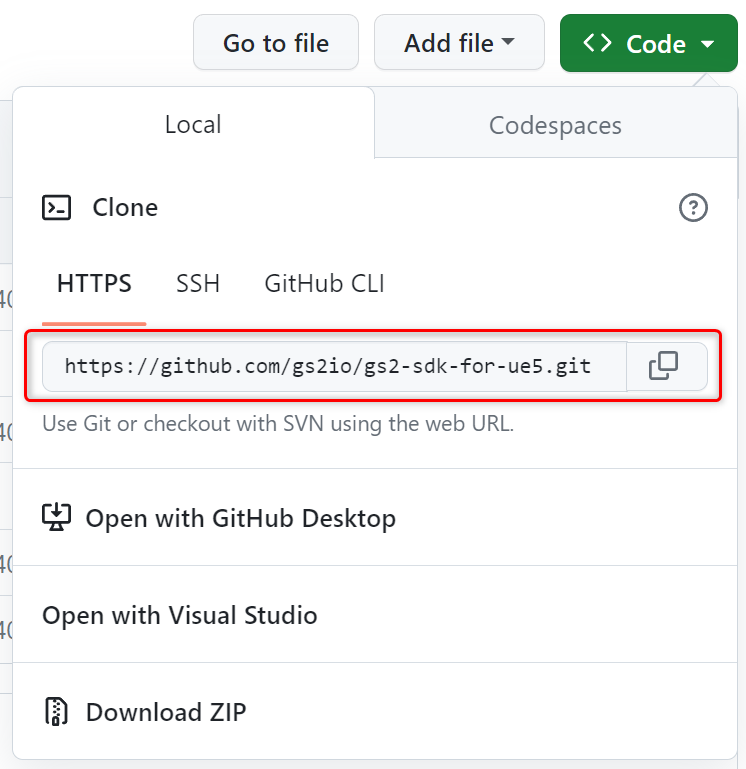 Or download it in Zip format and extract it to any folder.
 **Copy the complete source code into your Unreal project.**
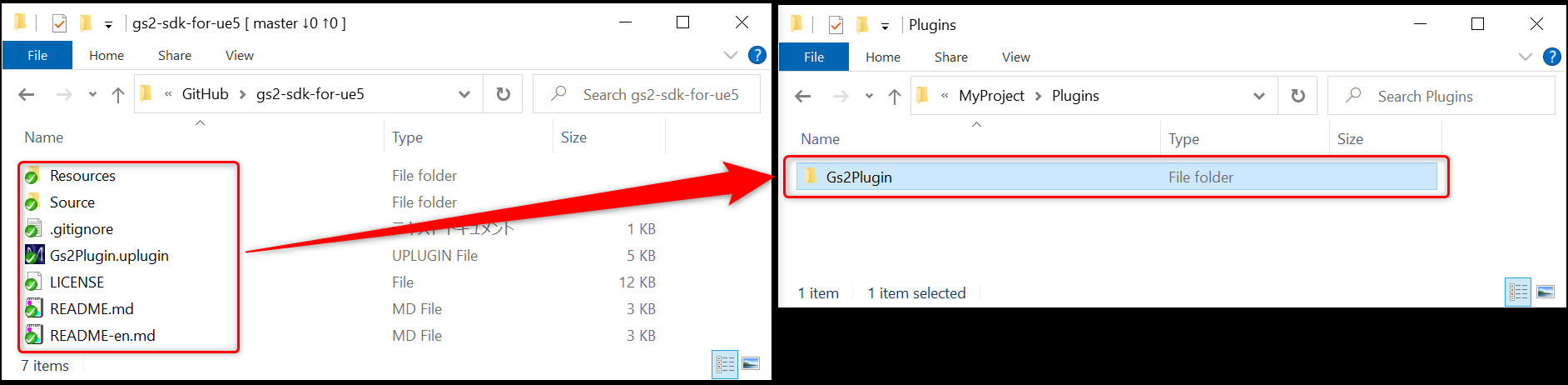 Place it in the following folder in your Unreal project.
```
(Unreal project)/Plugins/Gs2Plugin
```
If the Plugins folder does not exist, create a new one.
Place it in the following folder in your Unreal project.
```
(Unreal project)/Plugins/Gs2Plugin
```
If the Plugins folder does not exist, create a new one.
Create a `Gs2Plugin` folder in the Plugins folder and copy the complete set of downloaded files into it.
**Initiate the uproject file in the Unreal Editor.**
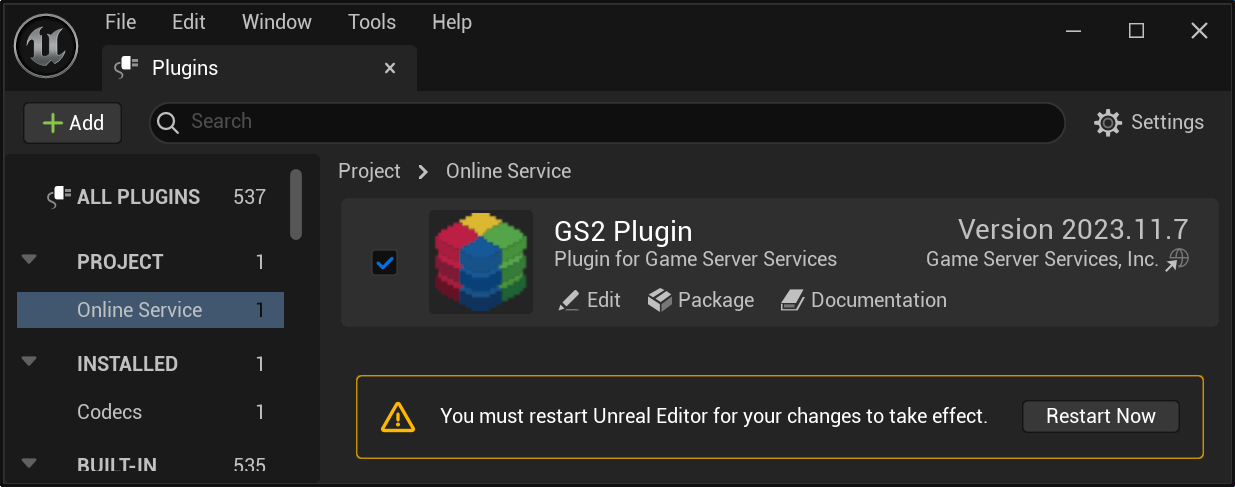
Open the Plugins window and activate the GS2 plugin by checking the box.
Restart the Unreal Editor.
 **A dialog box will appear asking if you want to build the GS2 plugin, choose "yes."**
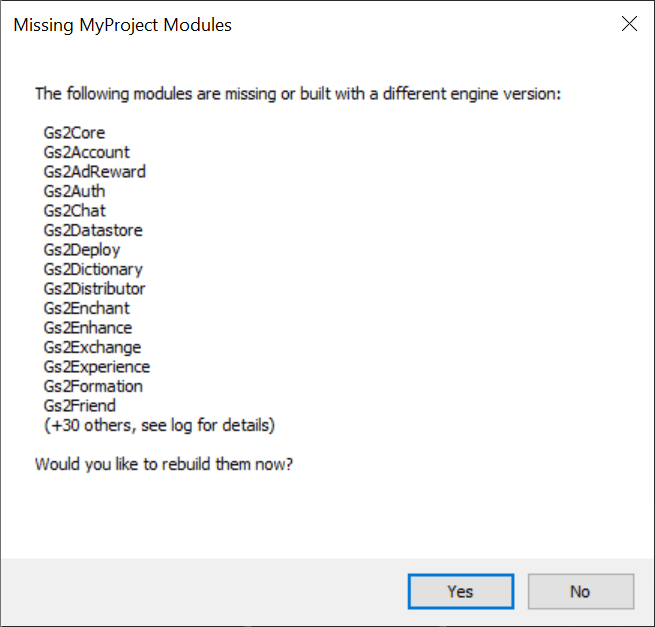 Depending on your environment, the build may take a reasonable amount of time.
If the plugin builds successfully, the Unreal Editor will launch.
The installation is now complete.
### Installing as an engine plugin
You can get the Unreal Engine source code from Github or Perforce and install it as an engine plugin in the environment where you are building the Engine.
**Clone the source code from [GS2 SDK for Unreal Engine 5 repository on GitHub](https://github.com/gs2io/gs2-sdk-for-ue5).**
Or download it in Zip format and extract it to any folder.
**Create the following folder in the Unreal Engine source code and copy the complete downloaded source code into the folder.**
```
(Unreal Engine source code)/Engine/Plugins/Gs2Plugin
```
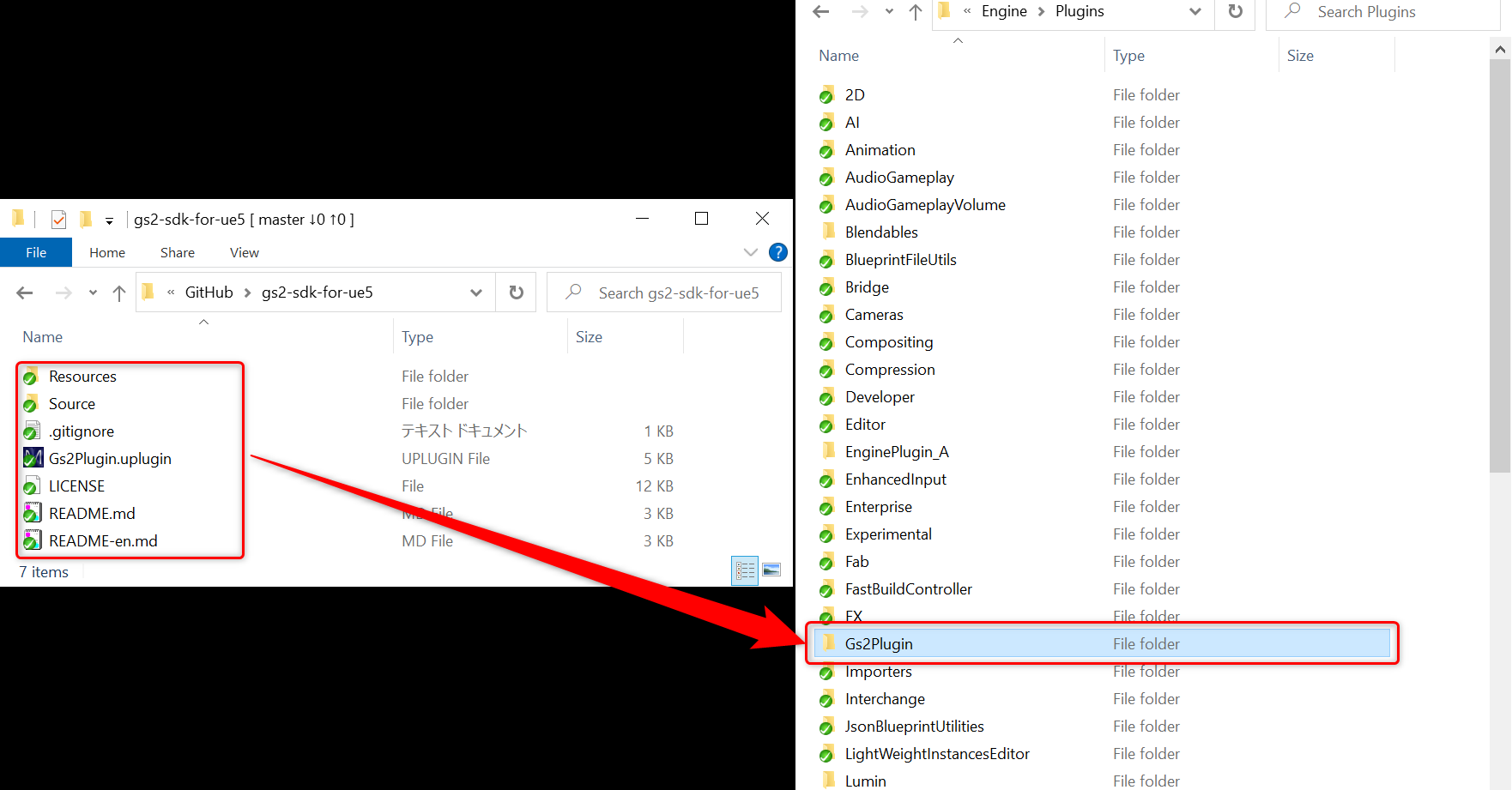 **Run GenerateProjectFiles.bat to update project files.**
Open the UE5.sln file and build Unreal Engine.
**Run GenerateProjectFiles.bat to update project files.**
Open the UE5.sln file and build Unreal Engine.
Once the build is complete, launch UnrealEditor, enable the GS2 plugin, and restart UnrealEditor.
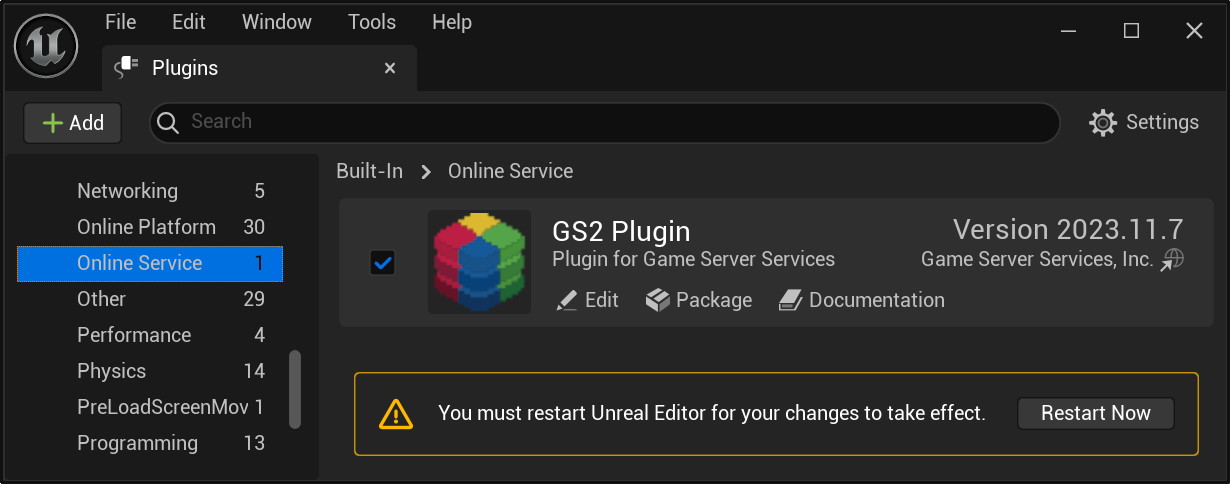 The installation is now complete.